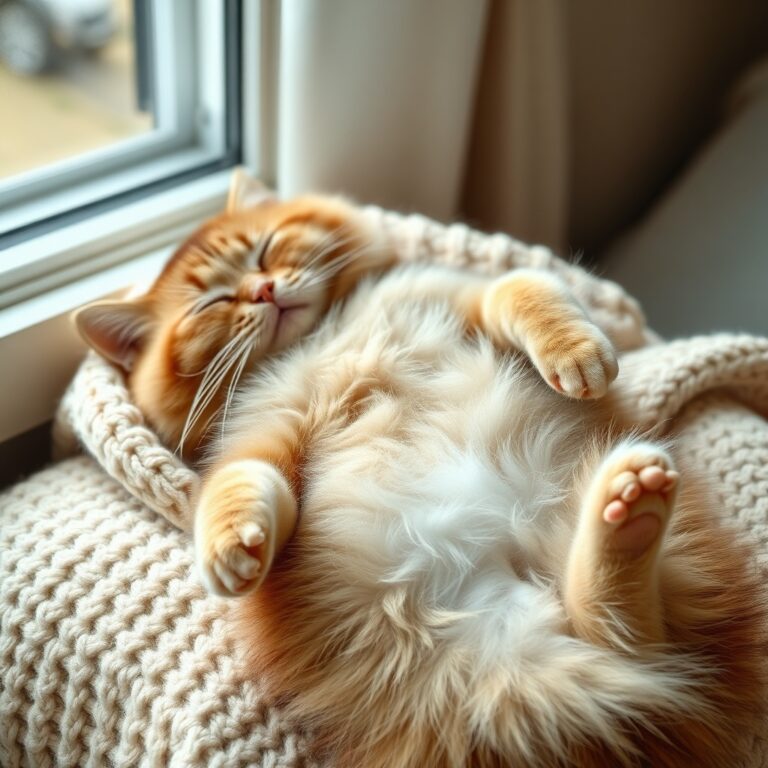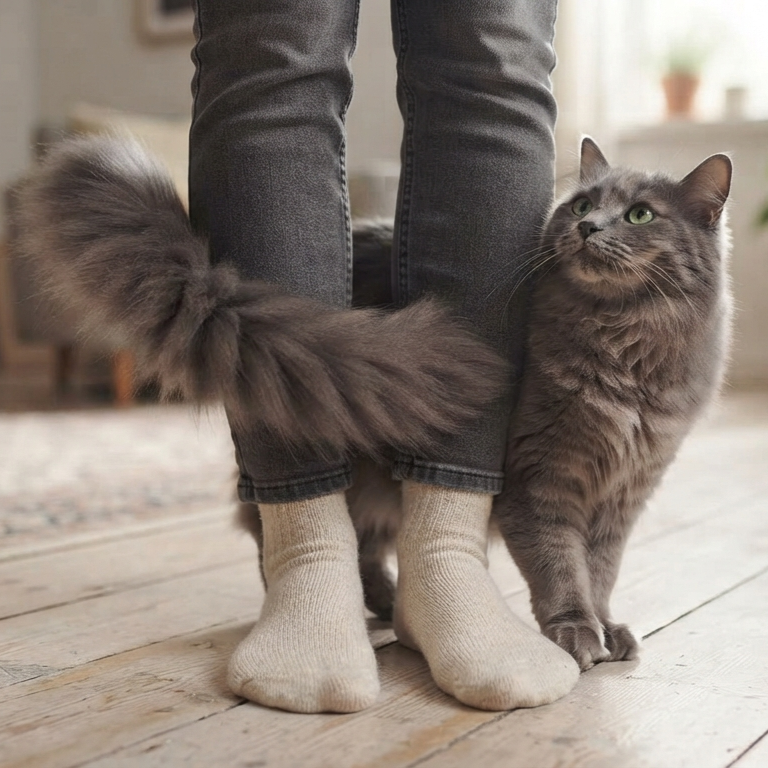

The moment you open your laptop to work, your cat appears out of nowhere and claims the warm keyboard as their personal bed. Instead of turning this daily workspace invasion into a frustrating tug-of-war, understanding the simple feline instincts driving this keyboard takeover reveals why your cat is really so drawn to your computer.
Cats sit on laptops primarily because they seek the physical warmth generated by the computer, are drawn to your concentrated attention, and view the raised keys as an appealing tactile surface to mark their territory. Understanding these deep-seated feline motivations is the key to peacefully reclaiming your workspace.
The Science Behind the Screen: Why Laptops Are Cat Magnets
To solve the keyboard-squatting mystery, we have to look at the world through a feline lens. Your workspace is not just a place of business to your cat; it is a prime piece of domestic real estate. Several biological and psychological drivers explain this behavior.
First, cats have a high thermal neutral zone, which lies between 85 and 100 degrees Fahrenheit. Because their baseline body temperature is higher than ours, they actively seek external heat sources to maintain comfort without expending energy. A running laptop, with its warm internal processor and venting keyboard, acts as a personalized heating pad.
Second, your cat is highly attuned to your focus. When you sit still, staring intently at a glowing box while typing, your cat perceives that this object is of immense value. By positioning themselves directly between your eyes and the screen, they are executing a strategic move to redirect your valuable attention back to them.
Finally, cats communicate heavily through scent. The bottoms of their paws contain scent glands that deposit pheromones. Kneading, stepping, or resting on your keyboard allows your cat to claim your most-used tool as a shared, safe territory.
How to Reclaim Your Keyboard: A Step-by-Step Action Plan
Yelling or physically shoving your cat away only creates anxiety and can damage your bond. Instead, use these positive training steps to redirect their behavior and establish healthy boundaries.
Step 1: Set Up a Superior Alternative
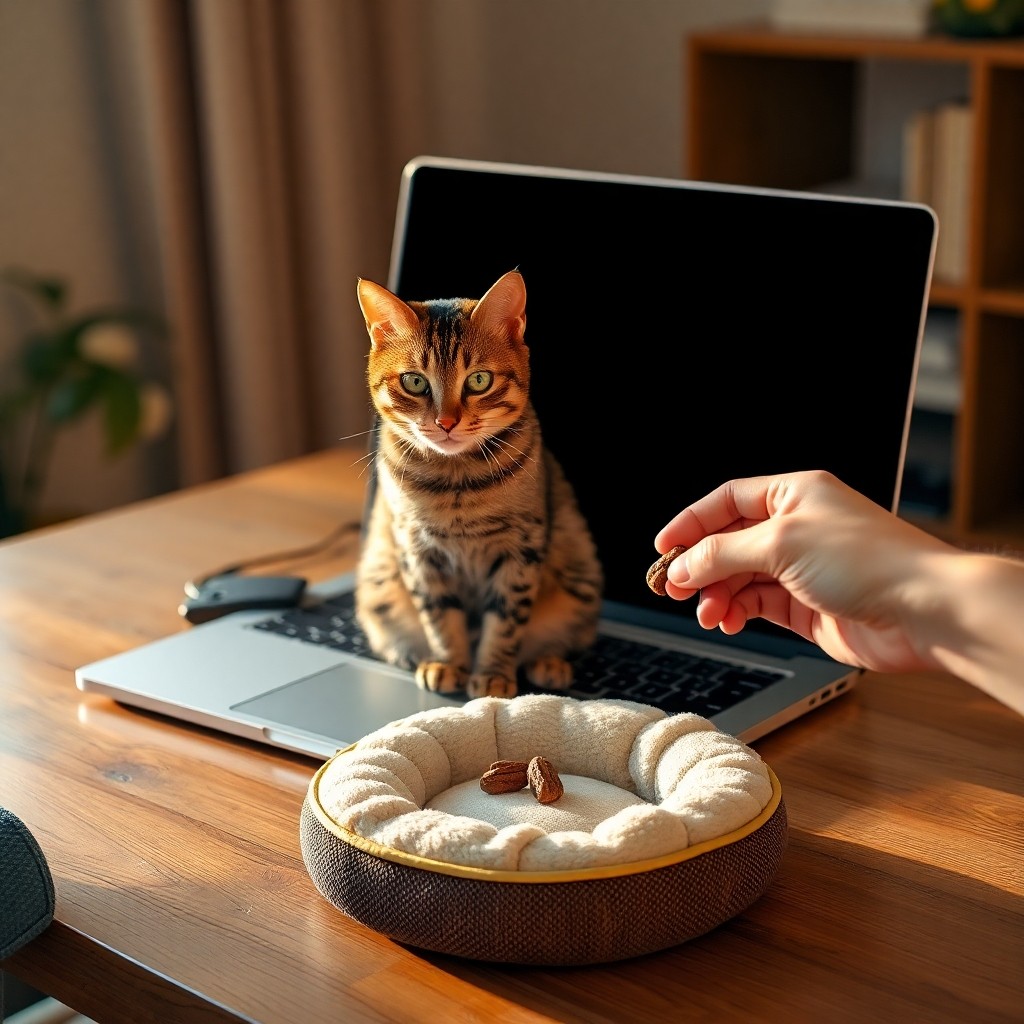
If you do not offer a better option, your cat will always choose the warm keyboard. Place a dedicated, comfortable cat bed or a soft blanket on your desk, ideally just a few inches away from your laptop. To make it irresistible, use a heated cat pad or place a warm water bottle beneath the blanket. This matches the thermal appeal of your computer.
Step 2: Use the Power of Redirection
When your cat approaches your laptop, do not wait for them to step on the keys. Intercept them gently. Place a high-value treat or a favorite toy onto their designated desk bed. Praise them warmly the moment they settle onto their own spot. Over time, they will associate their bed—not your keyboard—with positive rewards.
Step 3: Establish a Pre-Work Play Routine
A bored cat is a disruptive cat. Before you sit down for a long work session, spend ten to fifteen minutes engaging your cat with an active toy, like a feather wand or a laser pointer. Follow the play session with a small meal. This satisfies their natural ‘hunt, catch, eat, groom, sleep’ cycle, making them far more likely to nap peacefully while you work.
Step 4: Secure Your Tech When Away
Prevent accidental emails and keyboard damage by closing your laptop lid whenever you step away from your desk. If you use a desktop setup, you can turn off the keyboard or place a physical keyboard cover over it. Removing the immediate reward of a warm, clicky surface helps break the habit.
Common Mistakes Owners Make When Managing This Behavior
Correcting this habit requires consistency. Avoid these common missteps to ensure your training remains effective:
- Offering ‘negative’ attention: Picking your cat up, sighing, petting them while moving them, or talking to them when they step on the keyboard still counts as attention. To a lonely cat, even a mild scolding is a win.
- Inconsistent boundaries: Allowing your cat to sleep on the laptop when you are off-duty, but punishing them when you are working, confuses them. Keep the laptop completely off-limits at all times.
- Forgetting to scent-match: If your cat ignores the new desk bed, try placing an unwashed t-shirt of yours inside it. Your familiar scent will make the alternative space feel much safer and more inviting.
Frequently Asked Questions
Is my cat trying to annoy me on purpose?
No. Cats do not possess the spiteful motives humans often attribute to them. Their behavior is driven entirely by natural instincts for warmth, security, and social connection with their preferred human.
Can my cat’s weight or fur damage my laptop?
Yes. Cat hair and dander can easily clog laptop cooling fans, leading to overheating and internal hardware degradation. Additionally, heavy cats stepping on keys can occasionally pop keycaps off or trigger unwanted software commands.
Do heated cat beds actually work as a replacement?
Yes, heated beds are highly effective. Because warmth is a primary motivator for this behavior, providing a safe, consistently warm feline bed on or near your desk is often enough to permanently redirect your cat away from your computer.