
You sit down to finish a work email, and within seconds, your cat is casually draped right across your keyboard. Gently nudging them away might feel like the right move, but to your cat, that little push—and the eye contact that comes with it—feels suspiciously like a game you’ve just agreed to play.
Cats sleep on keyboards primarily because laptops emit warmth, the keys offer a unique tactile texture, and the desk placement positions your cat directly in your line of sight, maximizing their chances of receiving attention.
Why Your Keyboard Is a Cat Magnet
Understanding why your feline friend is drawn to your workspace is the first step in solving this common behavioral puzzle. Cats are highly calculated in where they choose to rest, and your workstation ticks several key survival and social boxes for them.
- The Ultimate Heat Source: Laptops and computer towers generate residual warmth. For a cat, whose thermoneutral zone is much higher than ours (between 86°F and 97°F), a warm keyboard acts as a personalized heating pad.
- Scent and Territory Marking: Your fingers leave distinct scent markers all over your keys. By rubbing against or sleeping on the keyboard, your cat is combining their scent with yours, marking the workspace as safe, shared territory.
- Unbeatable Attention Grabber: Cats are master observers. They quickly realize that when your eyes are locked onto the screen and your hands are on the keys, occupying that exact physical space instantly diverts your attention back to them.
- The Tactile Feedback: The springy, clicking response of mechanical or chiclet keys can be highly stimulating to feline paws, mimicking the crunch of dry leaves or twigs underfoot.
The Reinforcement Loop: Why Shooing Them Fails
Every time your cat hops onto the keys and you pick them up, talk to them, or even sigh loudly, you are providing social feedback. In the feline world, even negative attention is still attention. By reacting, you are inadvertently teaching your cat that the keyboard is an active button for human interaction. To break this loop, you must shift from reactive scolding to proactive boundary setting.
Step-by-Step Training Guide to Reclaim Your Workspace
To permanently change this habit without damaging your bond, you need to use positive reinforcement and environmental design. Follow this training plan to establish clear boundaries:
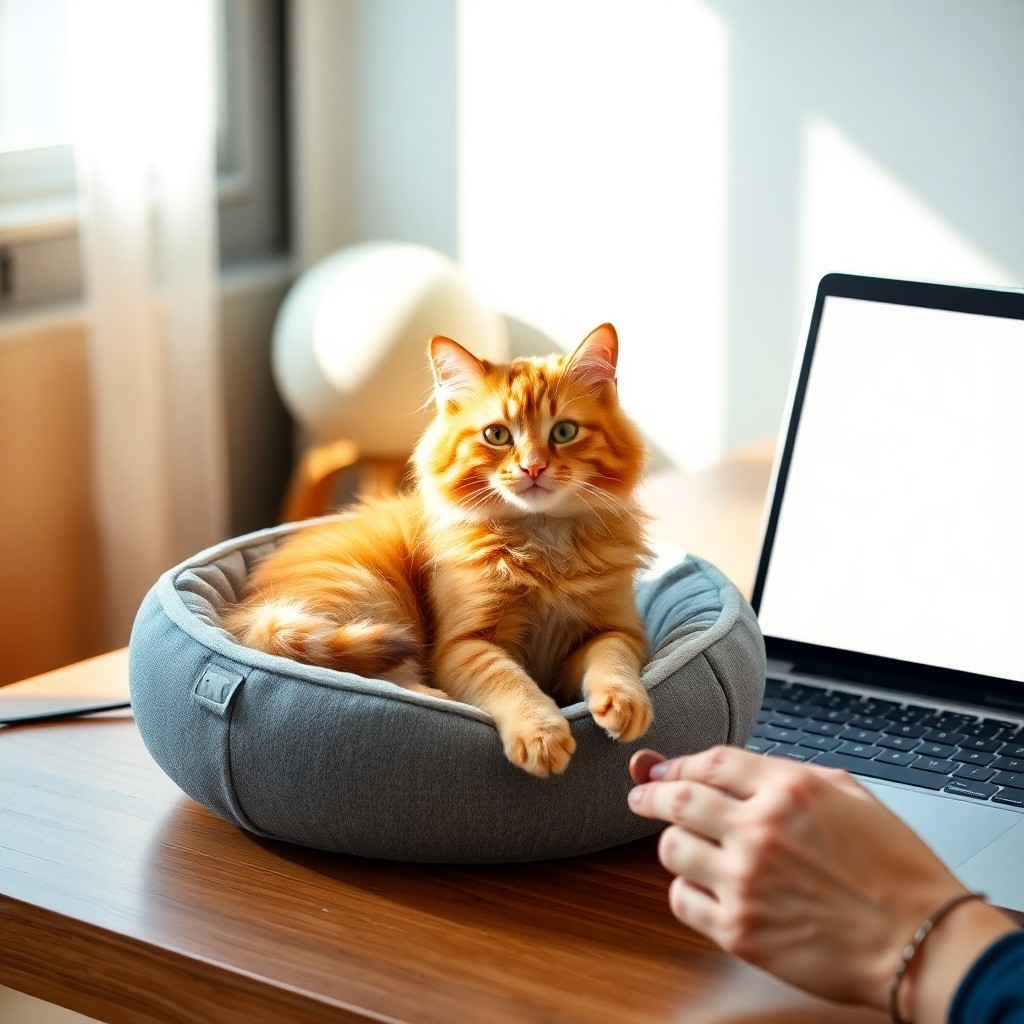
- Step 1: Create a High-Value Alternative. Place a cozy, heated cat bed or a soft fleece mat on your desk, but away from your hands. Make this spot more appealing than the keyboard by sprinkling it with organic catnip or leaving a few high-value treats there.
- Step 2: Reward the Good Choice. The moment your cat chooses the dedicated bed over your laptop, immediately reward them with a treat, gentle chin scratches, or verbal praise. You want to make the alternative spot the most rewarding place on your desk.
- Step 3: Practice Active Ignoring. If your cat still steps onto your keyboard, do not look at them, talk to them, or push them away. Gently lift them up, place them on the floor or their designated bed, and immediately return to your typing without making eye contact.
- Step 4: Block Access When Away. When you leave your desk, close your laptop or use a physical keyboard protector. Removing the opportunity to practice the behavior when you are not there prevents the habit from solidifying.
Practical Tools for a Cat-Friendly Desk
If training alone takes time, you can restructure your desk setup to satisfy both your workflow and your cat’s comfort needs:
- The Decoy Keyboard: Set up an old, unplugged keyboard right next to your active one. Some cats are perfectly content simply mimicking your posture and having their own work station.
- Desk-Mounted Cat Shelves: Installing a small, elevated cat perch at eye level next to your desk allows your cat to supervise your work from a safe distance, satisfying their desire to be near you.
Frequently Asked Questions
Do cats walk on keyboards to mimic their owners?
While it looks like mimicry, cats do not copy typing actions. Instead, they are drawn to the physical heat, the tactile sensation of the keys, and the clear path to your direct attention.
Can a cat walking on a keyboard damage the computer?
Yes, heavy cats can cause keycaps to pop off, and claw snags can damage delicate laptop screens. Additionally, accidental hotkey combinations can delete important documents or trigger unwanted system settings. Using a protective acrylic keyboard bridge is a great physical safeguard.